Private by default. Never used to train AI.
Or drop files anywhere on this page.Tap + to choose from your library. No files handy? See an example gallery
You're all set. We'll send it the moment it's done.

Photos and films, a fraction of the size, visually identical. Ready to share in minutes.
4.8 on Trustpilot 100,000+ photographers
Private by default. Never used to train AI.
Or drop files anywhere on this page.Tap + to choose from your library. No files handy? See an example gallery
You're all set. We'll send it the moment it's done.
No login or app for them. On Pro and Studio, links never expire.
Every photo and film from the day comes out lighter, at full resolution, with every color and every bit of grain just as you exported it.
Original folder 4.5 GB
After JPEGmini 1.8 GB
It opens fast, even on hotel wifi. Your couple can save and post their favorites straight from the gallery, and share it with the family chat in one tap.
See the example galleryEvery guest gets their own photos, and the couple gets stories ready to post, without you spending hours sorting and cropping. Both are optional, and off until you turn them on for a gallery.
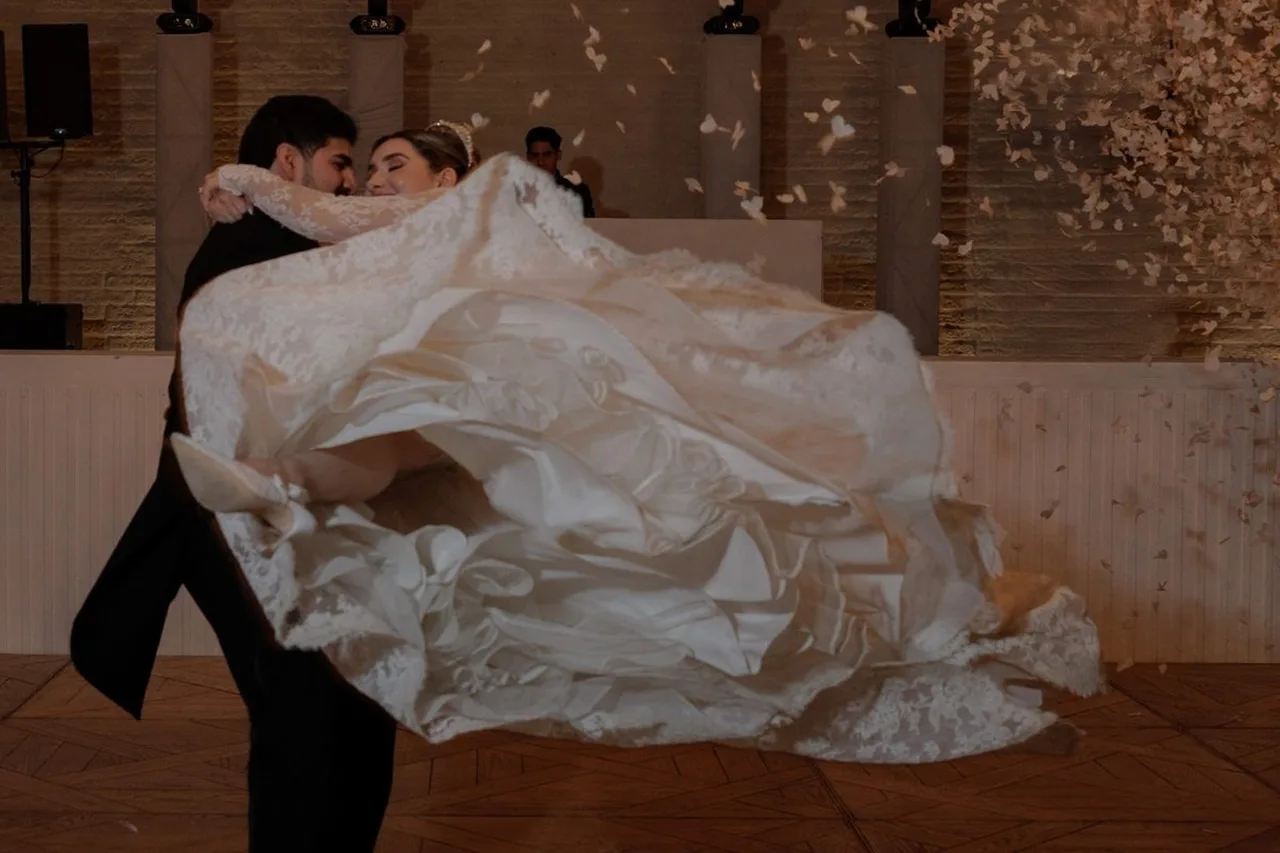
LuisAna
9:16 story"I make tons of videos every day so the amount of GB saved is amazing."
X Boyce, video creator, Canada
"Highly recommended for wedding and event photographers."
José Luis García Martínez, photographer, Mexico
"Compressing very large images without losing vibrance, saturation, or any of the original look."
TJ Scott, shoots thousands of photos a month
"JPEGmini has made such a difference to my professional wedding workflow."
Wedding photographer, Trustpilot review
"By far, one of the best software investments I've made as a photographer."
Photographer, Trustpilot review
"JPEGmini is a very important part of my workflow."
Bart Marantz, EYE BM Photography
JPEGmini has been the compression standard for photographers since 2012: 100,000+ of them in 100+ countries, 53 patents, and an Emmy for the technology.
Every plan sends photos and films together, in a gallery that opens on any phone.
14-day refund on annual plans. Cancel anytime.
No. Photos keep their resolution, films keep their frames and grade. It's the same engine 100,000 photographers already run before they deliver. Your originals stay untouched on your computer.
On Pro and Studio, links stay up until you delete them, for as long as your plan is active. On the Free plan, files are kept for 30 days, so you can try it on a real delivery.
No. They open the link in any browser, on a phone or a computer, and can watch, save and download straight away.
Yes. The film plays at the top of the gallery and the photos sit underneath, all in one link.
JPEG and HEIC photos, MP4 and MOV films, up to your plan's storage: 5 GB free, 100 GB on Pro, 500 GB on Studio. No RAW, so send your delivery exports.
Yes, on Pro and Studio. Your logo and links sit at the top of every gallery. Free galleries carry JPEGmini branding.
No. Face finding and story crops are off until you switch them on for a gallery. They're unlimited on Pro and Studio, and not included on Free.
You do. Your media is never used to train AI models, never shared with model providers, and never sold.
Yes, from your account, at any time. Annual plans also come with a 14-day refund.
Same resolution, same colors, just a format that opens everywhere. Videos too, up to 5 GB free.
Windows PCs, older Android phones, school and job forms, listing sites and print shops. Same photos, in the format they all accept.
As HEIC No preview
As JPG Opens anywhere
Pick one to see what happens after they're JPGs.
What you can do with them
heictojpg.com is the quickest way to convert a few photos and move on. When it's a whole trip, or the photos are for someone else, they need to stay somewhere for a while. That's what the account is for.
No password. We email you a code, or you sign in with Google.
| What you get | heictojpg.com | JPEGmini Cloud |
|---|---|---|
| Photos at once | Up to 200 | Up to 5 GB, photos and videos |
| Account | None | Free, with your email |
| Your photos are kept | Deleted right after converting | 30 days, then deleted |
| Share one album link | No | Yes |
| Email them to someone | No | Yes |
No. Your photos and videos are never used to train AI models, never shared with AI model providers, and never sold.
Only you. Your photos stay private until you share an album, and then only the people you send the link to can open it.
You do. Converting them doesn't change that, and we don't use them for anything except showing them to you and the people you share with.
On the free plan, 30 days, then they're deleted. That's long enough to download them or share the album. You can also delete an album yourself at any time.
Yes. The date, camera details and location your iPhone saved stay in each JPG, so your photos still sort by date. If you'd rather not share where a photo was taken, turn off location in the iPhone share sheet's Options before you add them.
Yes. Convert and share up to 5 GB free, with just your email. No card.
heictojpg.com converts your photos and deletes them right away, which is perfect for a few photos. An account is what keeps them for 30 days, so you can share one album link and come back to download them again. No password: we email you a code, or you sign in with Google.
No. JPGs keep the same resolution and colors, and come out lighter, so they're easier to send and store.
HEIC and JPG photos, and MOV and MP4 videos from your iPhone, as many as fit in 5 GB on the free plan. Videos go in the same album as the photos.
You get the photo as a JPG. The few seconds of motion are a separate short video on your iPhone; add it too if you want it in the album.
Windows needs extra extensions from the Microsoft Store to open HEIC, and many websites and forms don't accept it at all. A JPG opens everywhere, for you and for anyone you send it to.
Yes. Go to Settings, Camera, Formats and choose Most Compatible. New photos are then saved as JPG, but they take more space on your phone, and the photos you already have stay HEIC.
No. They open the link in any browser, on a phone or a computer, Windows and Android included, and can save or download straight away.
Yes. Open the page on your iPhone, tap the plus, and pick photos and videos straight from your library.
Open your album on your phone and save the photos you want, or tap Download all to get every JPG in one zip in your Files app. On a computer, Download all saves one zip to your Downloads folder.